
SecVSC For Personal Version v1.5.0
Virtual Smart Card for personal computer logon authentication. PKI-based security assistant with multi-factor authentication.
Key Benefits
Top-Tier Security
Guard against password leaks and hijacking risks with encrypted digital credentials.
Zero Hassle
No more memorizing complex passwords; one-tap authentication on mobile.
Ultra-Fast Operation
Fast one-click secure login; auto-lock on leaving to effectively prevent unauthorized peeping and computer access.
Robust 2FA/MFA Authentication
Deliver stronger identity verification than traditional methods; block unauthorized access with multi-factor proof, maximizing account defense.
Ideal for Family & Office Scenarios
Support multi-user accounts on a single computer; each user gets independent digital certificates to avoid credential mixing and ensure exclusive access rights.
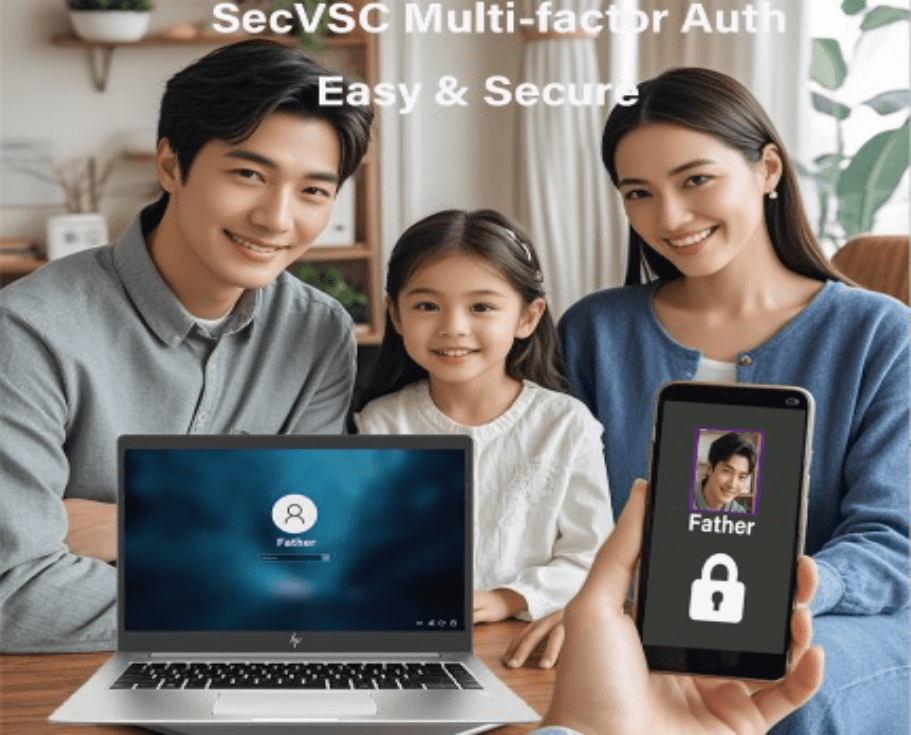
SecVSC Download
This product includes the mobile SecVSC App (Android/iOS) and PC clients (SecLogon/VSC-IssuingP). Follow the steps below to complete installation.
Install SecVSC App
Scan QR code to download the corresponding version


NOTE: Scan the QR code on your mobile device to link to the app store for direct installation; for Android devices, search for SecVSC on Google Play to install, and for iOS devices, search for SecVSC on the App Store to install.
Install SecVSC_Logon
Click the icon to download and install the PC client

NOTE: Download and install the free SecVSC_Logon on your PC. SecVSC_Logon is a Windows login authentication service based on Microsoft CSP. After installation, SecVSC_Logon will automatically check for VSC-IssuingP and provide a download link if it is not present on the PC.
Install VSC-IssuingP
Download and install via Microsoft Store


Note: Log in to your Microsoft account to download (Default trial period: 45 days) Prior to the official use of this program, an in-app purchase license must be obtained.
100% Microsoft-Powered Payment & Licensing
No payment data collected by us. All transactions secured by Microsoft PCI-compliant gateway. Licensed activated via Microsoft Store.
Installation and Usage Quick GuideSee the Installation & Configuration Flowchart on the Technical Support page.
- The user's mobile phone must have the Mobile SevVSC App installed and complete the app's initial setup on phone.
- The PC must complete the installation of both the SecVSC_Logon and VSC-IssuingP programs.
- Users can purchase corresponding software licenses through in-app purchases within the VSC-IssuingP program, selecting from different license types and usage periods.
- Launch the VSC-IssuingP program and display the PC connection QR code. The SecVSC App on the mobile device connects to the PC by scanning the VSC-IssuingP QR code (via Bluetooth connection).
- Using the VSC-IssuingP program on a PC, create or select one or more user accounts, and issue user certificates to be written into the SecVSC App on the user's mobile device.
- Users can quickly log in to their computers using the SecVSC app on their phones and perform actions such as locking and unlocking the screen.
SecVSC For Personal Features
SecVSC v1.5.0 Virtual Smart Card product is an innovative security tool that combines PKI technology and mobile devices to realize password-less secure access and efficient protection for personal or family-based users. SecVSC v1.4.2 use innovative technology and security to replace physical smart cards and hardware tokens to achieve the same level of security authentication function as traditional physical smart cards.
Enhanced Identity Assurance
Accurately, securely and non-repudiably confirm and protect user identities, thereby strengthening identity assurance, effectively preventing risks such as identity theft and data leakage, and building a solid security defense line for the computer login process.
PKI-Based Reliable Identity Verification
Based on PKI digital certificates and mechanisms, verify user identities reliably. Validate certificate validity, integrity and trust chain to ensure genuine logins and prevent identity forgery.
Passwordless Computer Logon
Identity credentials based on mobile phones endow users with a more portable and convenient personal security assistant. There is no need to remember and manage complex passwords, enabling extremely fast and secure logins to computer devices.
2FA or MFA
Based on mobile, two-factor or multi-factor authentication fuses device traits and digital identity credentials, heightening security against intrusion and streamlining login sans complex passwords.
Multi-user Identity
Different users log in to computer devices with different identity credentials, easily meeting the computer security login usage scenarios for individuals or family members and avoiding confusion and trouble.
Value-Added for Disk Encryption
Organic combination of data access and identity credentials can effectively protect the user's computer data and prevent the leakage of user data caused by device loss, theft, disassembly or illegal intrusion.
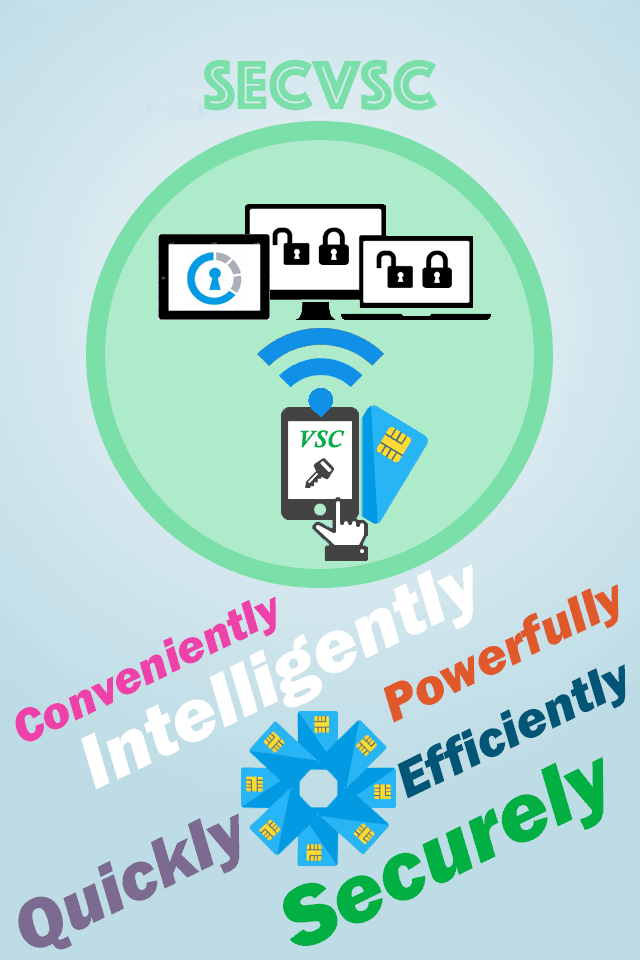
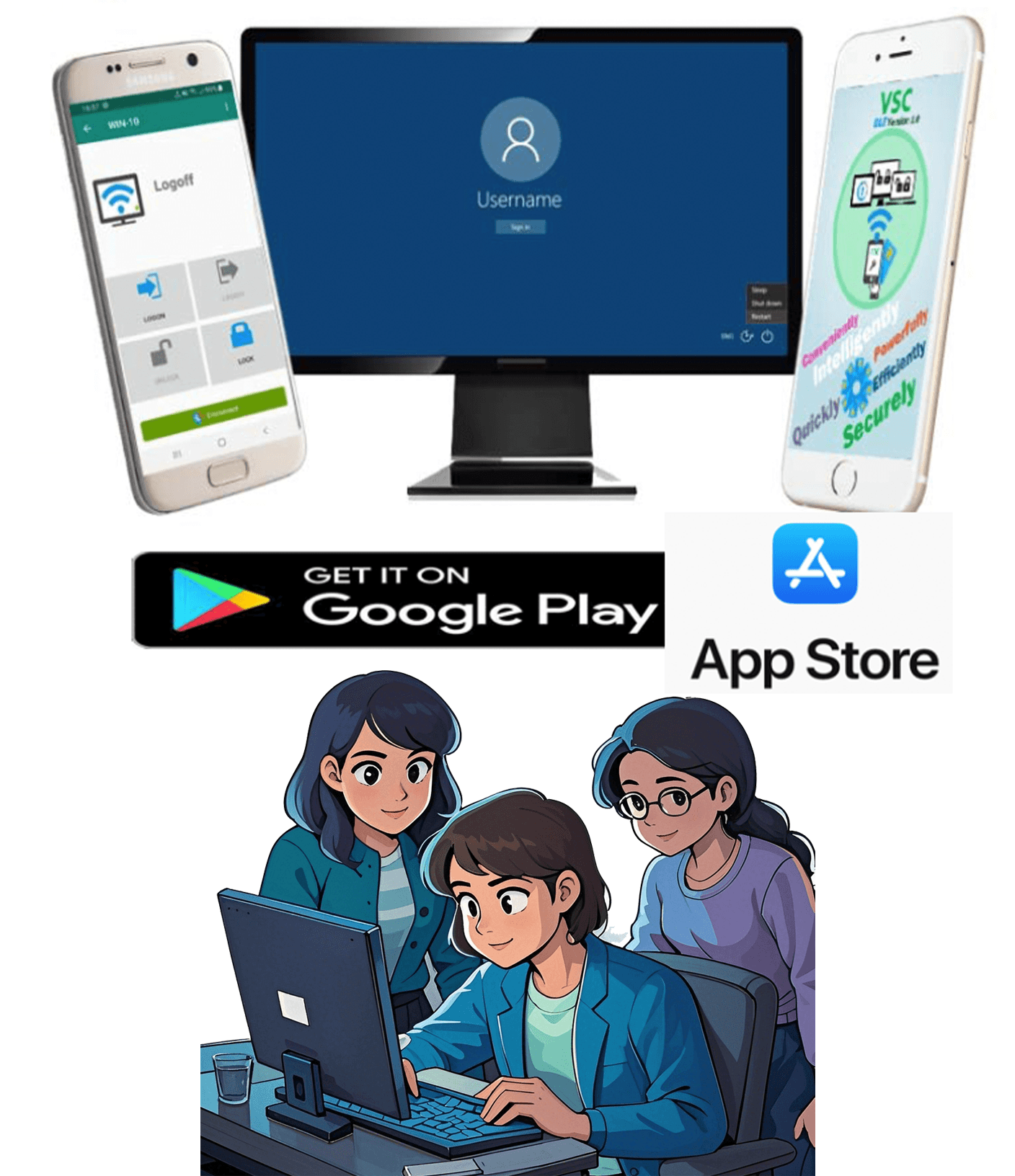
For individual and family multi-users, SecVSC ensures data security, simplifies access, and fosters good digital habits.
- Security Bastion: SecVSC erects a solid security bastion, safeguarding personal and family computer logins against illegal intrusions, significantly reducing the risk of data leakage due to password theft and comprehensively protecting family digital assets.
- Convenience Gateway: Resembling a convenient gateway, it substantially simplifies the password management process. Family members can log in swiftly with two-factor authentication, completely getting rid of the troubles of forgetting passwords or being bogged down in complex management, and fully enjoying a seamless computer using experience.
- Privacy Shield: Just like an impregnable shield, it tightly guards the privacy of personal and family shared data, effectively blocking the paths of information leakage and ensuring the privacy of the family digital space remains intact.
- Habit Mentor: Acting as an initiator of digital security habits in the family setting, it helps children establish correct security awareness and develop standardized operation habits, leading the whole family to enhance digital literacy.
- Child-use Supervisor: Becoming a competent supervisor for children's computer use. Parents can, with the help of phone authentication, rationally manage children's access rights and usage time, creating a healthy, safe and orderly digital learning and entertainment environment for children.
App Gallery
SecVSC software presents an intuitive user interface and is effortless to install and operate. It is compatible with mainstream mobile platforms like Android and iOS, allowing users to download and install it via mobile application stores. Merely by completing the binding configuration with the PC computer and importing the digital certificate, it can be readily utilized.


Pricing
SecVSC offers three versions, namely the free evaluation version, standard version and professional version. The functions vary among different versions. This software includes three components: (1) SecVSC App (Android & iOS), (2) SecureLogon (PC), and (3) VSC-IssuingP (PC) — only VSC-IssuingP requires a license, available for download on Microsoft Store with in-app purchase
Free
$045 days trail
- 1 PC is limited to 3 user certificates
- Windows logon authentication
- Auto lock and unlock by proximity
- VSC-BitLocker (Disk Encryption 2FA)
- VSC-LogViewer
Software component
- SecVSC App(Android & iOS):
-
Free Download, No License Required
SecVSC_Logon:
-
Free Download (Driver, No UI, No License Required)
-
Microsoft-Signed LSA Component:
Validated for Enterprise-Grade Security and PPL Compatibility.- VSC-IssuingP:
-
Secure Microsoft Store Free Download
-
45 days trial
Standard
$1per month
- 1 PC is limited to 3 user certificates
- Windows logon authentication
- Auto lock and unlock by proximity
- VSC-BitLocker (Disk Encryption 2FA)
- VSC-LogViewer
Software component
- SecVSC App(Android & iOS):
-
Free Download, No License Required
SecVSC_Logon:
-
Free Download (Driver, No UI, No License Required)
-
Microsoft-Signed LSA Component:
Validated for Enterprise-Grade Security and PPL Compatibility.- VSC-IssuingP:
-
Secure Microsoft Store Free Download
-
Trusted In-App Purchase (Microsoft Payment)
-
License Activation
Pro
$1.5per month
- 1 PC is limited to 3 user certificates
- Windows logon authentication
- Auto lock and unlock by proximity
- VSC-BitLocker (Disk Encryption 2FA)
- VSC-LogViewer
Software component
- SecVSC App(Android & iOS):
-
Free Download, No License Required
SecVSC_Logon:
-
Free Download (Driver, No UI, No License Required)
-
Microsoft-Signed LSA Component:
Validated for Enterprise-Grade Security and PPL Compatibility.- VSC-IssuingP:
-
Secure Microsoft Store Free Download
-
Trusted In-App Purchase (Microsoft Payment)
-
License Activation
Frequently Asked questions
Here are the answers to the main questions about the use of SecVSC products, where users can learn about the relevant details of the products in question:
I always mistype long passwords when logging into my computer – what can I do?
We understand your frustration! Traditional passwords are not only hard to remember but also vulnerable to hacking. The SecVSC Multi-Factor Authentication Login Product eliminates the need for complex passwords entirely – using your smartphone's hardware features combined with PKI encryption technology, you can securely log into Windows with just a tap. Say goodbye to "password anxiety" forever.
Contact
If you're curious about our products and services, or you'd like to find out more about specific product information and how to use them, please send us a message using the ways below. We'll provide you with professional suggestions and support. Thank you!
Address
Guangzhou, GuangDong, China
Call Us
+86 020-38744180
+86 18923099103
Email Us
info@junkai-tech.com
Working Hours
Mon - Fri: 9AM to 5PM